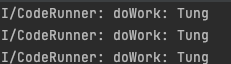
Sometimes, we want our app to perform some background tasks under certain conditions, such as Battery level or network etc. With Worker and Constraints, we can conveniently achieve that.
The example problem
A worker class that prints a message to the console.
class MyWorker(context: Context, params: WorkerParameters): Worker(context,params) {

    override fun doWork(): Result {

        Log.i(LOG_TAG, "doWork: Tung")

        return Result.success()

    }

}
We want this function doWork executes when the network is available or the battery is not low.
Use Constraints with Worker
To achieve that, in the main activity, we can set these constraints (Line 5) before executing the background process.
private fun runCode() {

    log("Running code")

    val constraints = Constraints.Builder().setRequiresBatteryNotLow(true).setRequiredNetworkType(NetworkType.CONNECTED).build()

    val workRequest = OneTimeWorkRequestBuilder<MyWorker>()

        .setConstraints(constraints).build()

    WorkManager.getInstance(applicationContext).enqueue(workRequest)
}
Test
First, we can turn off the internet connection. Then, we can try to trigger the event using a button in our app.– Nothing happens as there is no network connection.
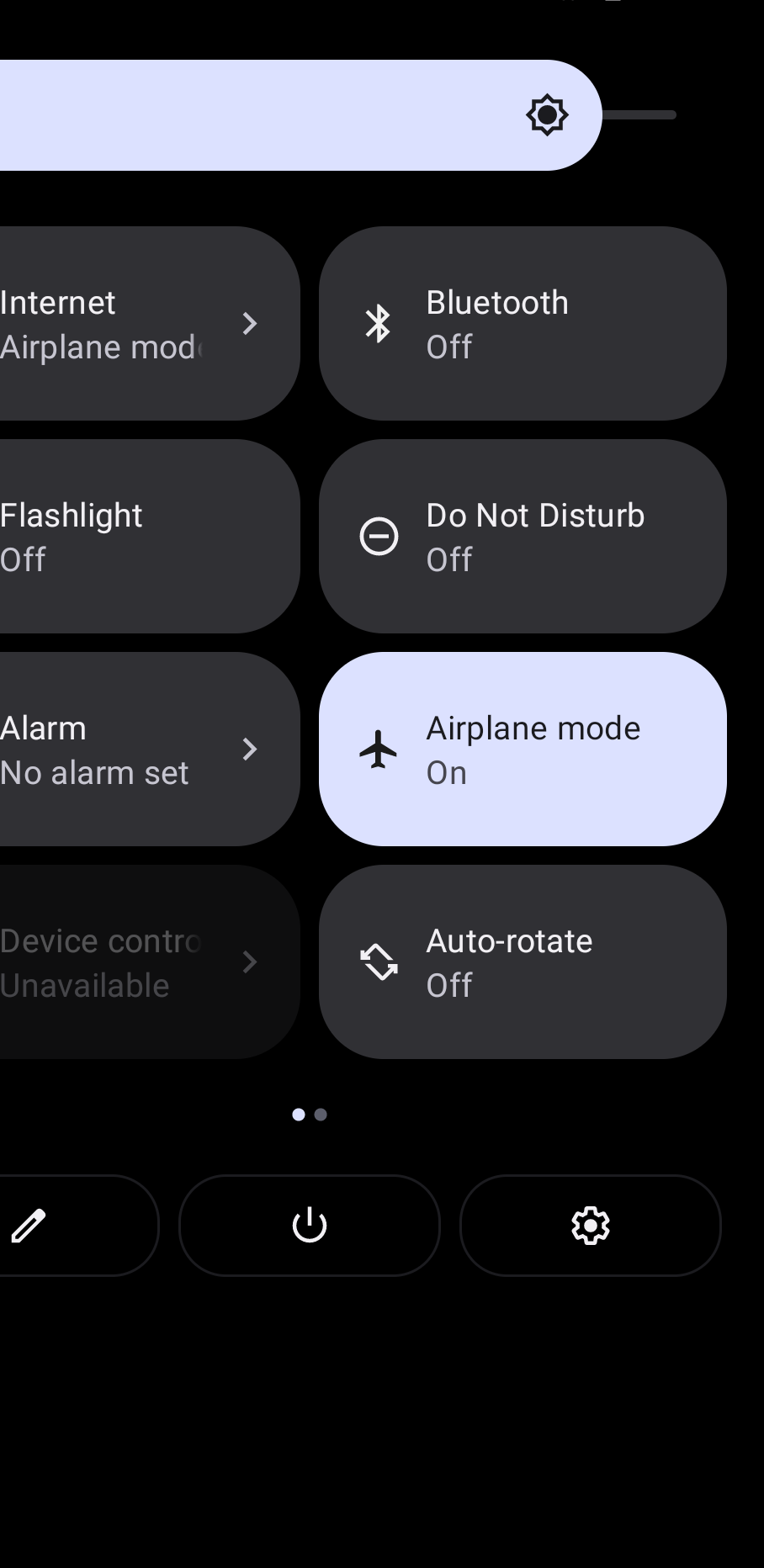
We now turn off the Flight Mode and bingo, just about some second. The worker class will resume the task assigned.